Inside Prime
Keep dismantling work connected
Follow vehicles, jobs and parts through the operation, with progress visible to the team.
Give the work a clear record
Dismantling jobs organise the work associated with a vehicle. Item and job statuses help the team see what needs attention, what is in progress and what has been completed.
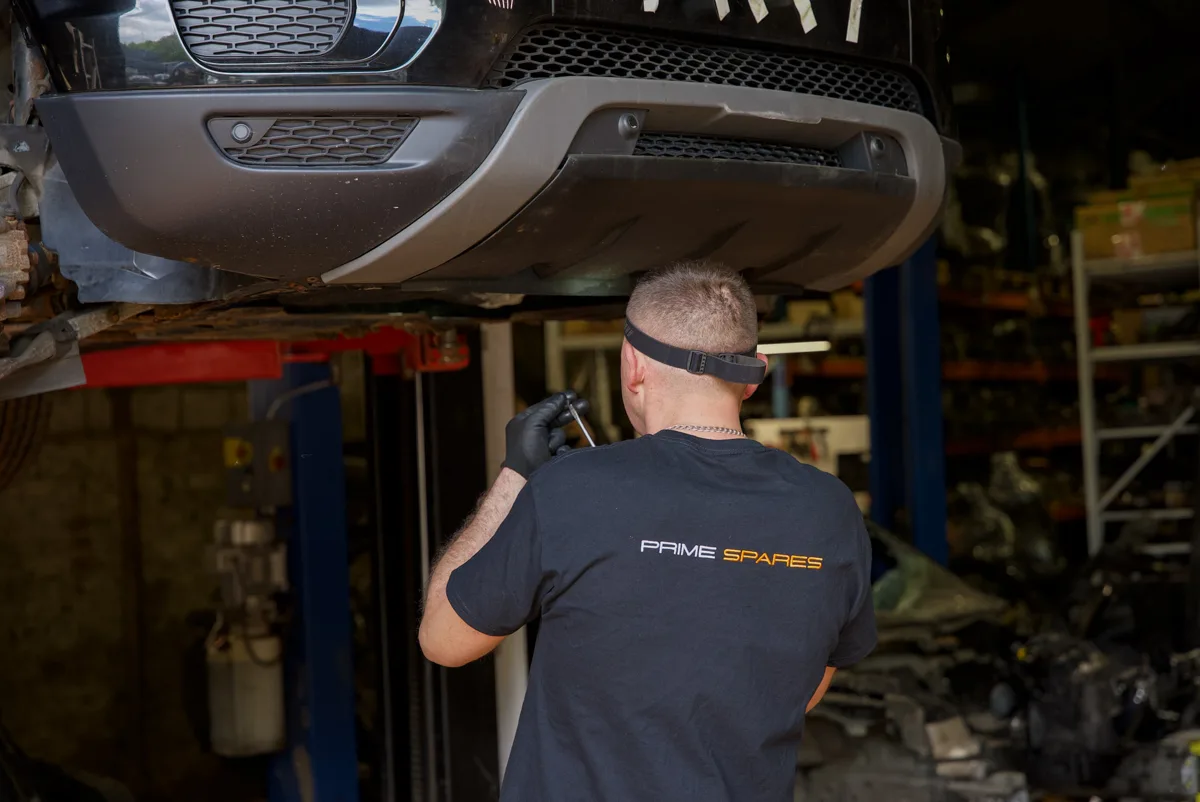
Connect the bay to the warehouse
Keep parts and tasks linked to their job and warehouse information. Status history helps staff follow progress, while vehicle and part records retain the context needed later in the stock and sales workflow.
Use one job as a working checklist
For a representative vehicle or stock job, keep these checkpoints together:
- Source and identity: vehicle, supplier or job reference; part number; SKU/QR; quantity.
- Evidence and location: condition, photographs, compatibility evidence and current storage location.
- Progress: dismantling, checks, listing, sold, dispatched, returned or scrapped status.
- Exceptions and costs: missing data, damaged stock, returns, scrap and recorded costs needing review.
Use the detailed vehicle and parts records checklist →
Bring one real example to a demonstration. Prime will confirm how the available workflow and setup apply to your operation.
Bring research alongside the job
Where available, a Prime Intelligence report can be previewed and requested from the dismantling workflow. Saved market research helps the team evaluate available information before deciding how to proceed.
Record scrap and waste deliberately
Track scrap quantities, estimated recovery values and actual scrap sales. Waste-management records support the handling of unwanted stock and the related listing-ending workflow. Operational waste records and financial adjustments should be reviewed together.
See it with your own workflow
Book a demonstration and tell us about your stock, sales channels and the work you want to improve. We will confirm the features and setup available for your business.